Alarms that ring
A full-screen alarm over the lock screen, with your choice of sound, plus Done and Snooze.
LOR is a to-do list with reminders that actually ring. No account, no cloud and no internet permission: every task stays on your device.
Built around one idea: if you set a reminder, it should reach you, even with the screen off and the phone in Doze.
A full-screen alarm over the lock screen, with your choice of sound, plus Done and Snooze.
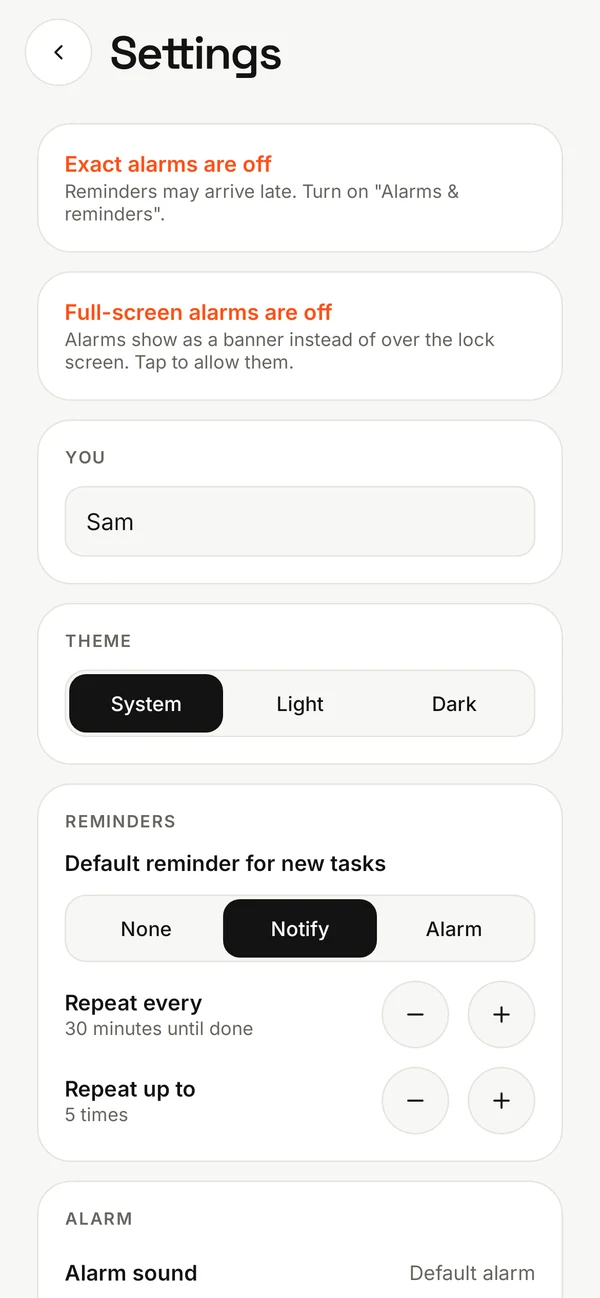
Missed it? LOR reminds you again every 30 minutes, or whatever you choose, until it's ticked off.
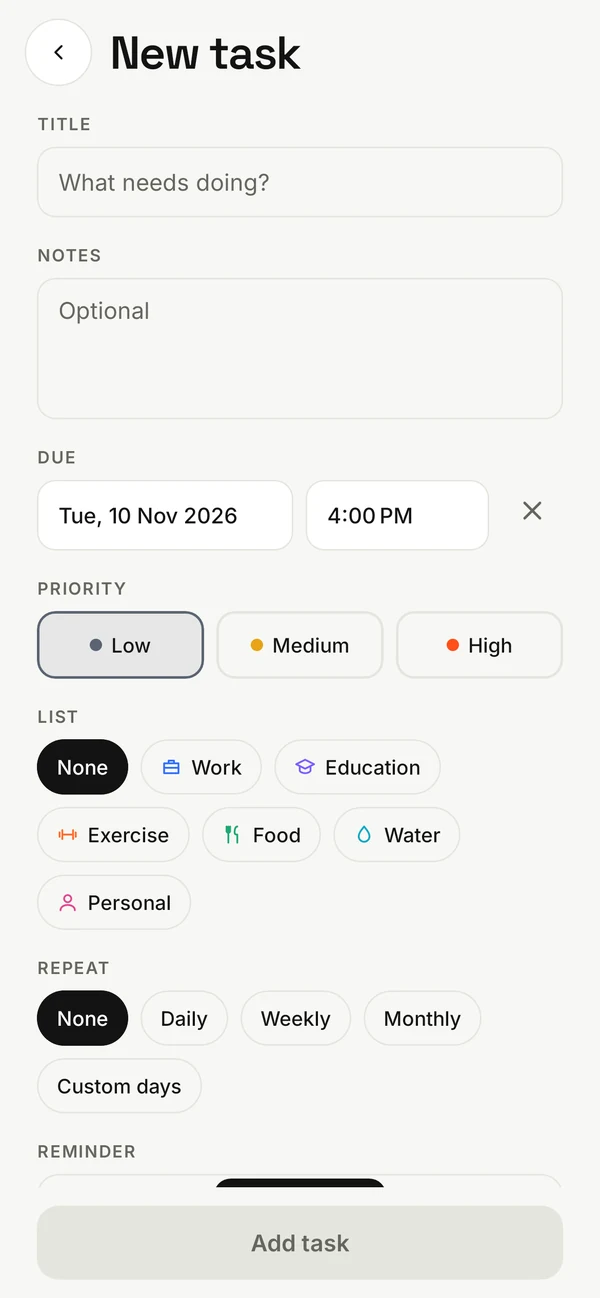
Your own lists with colours and icons, Low/Medium/High priority, notes and subtasks.
See tasks per day. Repeat daily, weekly, monthly or on the days you pick.
Track water, workouts and meals at a glance with the progress rings on Today.
How much you finished this week, your current streak, and a history of done tasks.
Today's tasks on your home screen, with checkboxes that tick off right there.
Export everything to a JSON file you keep, and restore it on a new phone.
Light and dark themes, big tap targets, swipe right to finish and left to delete, with Undo.
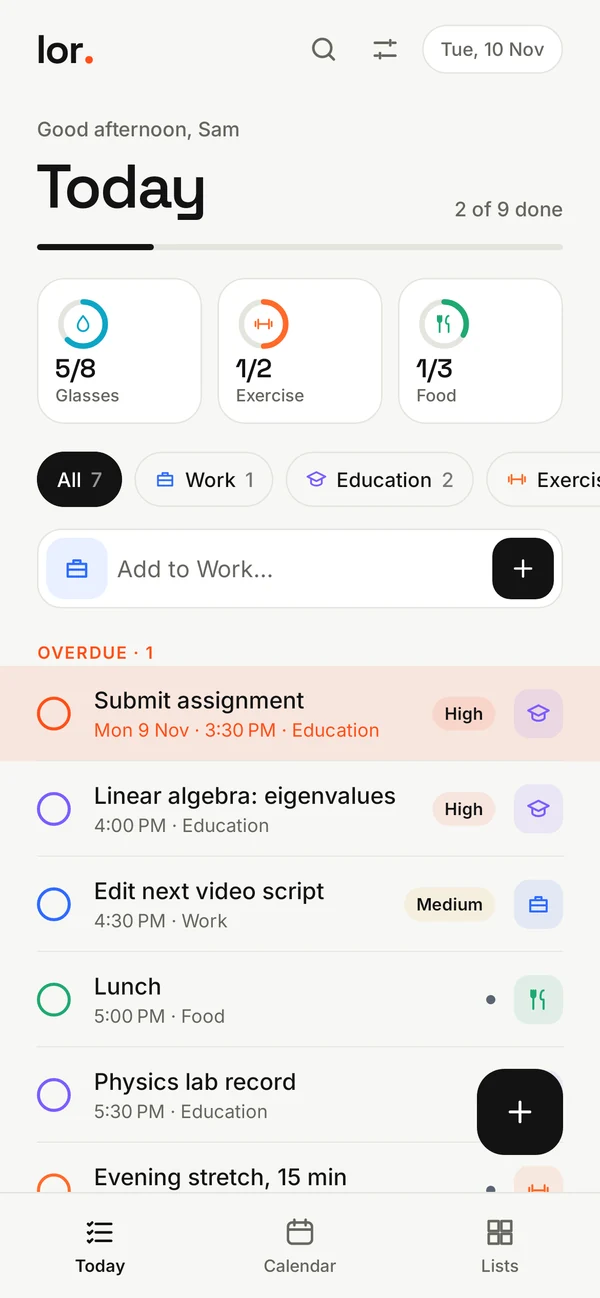
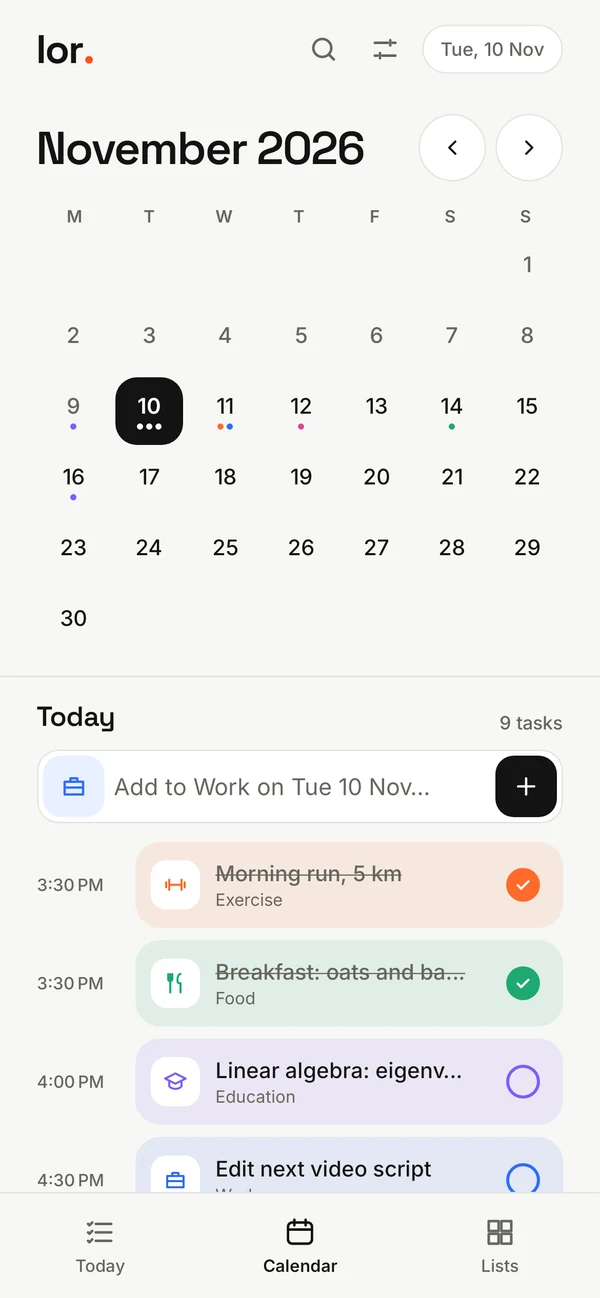
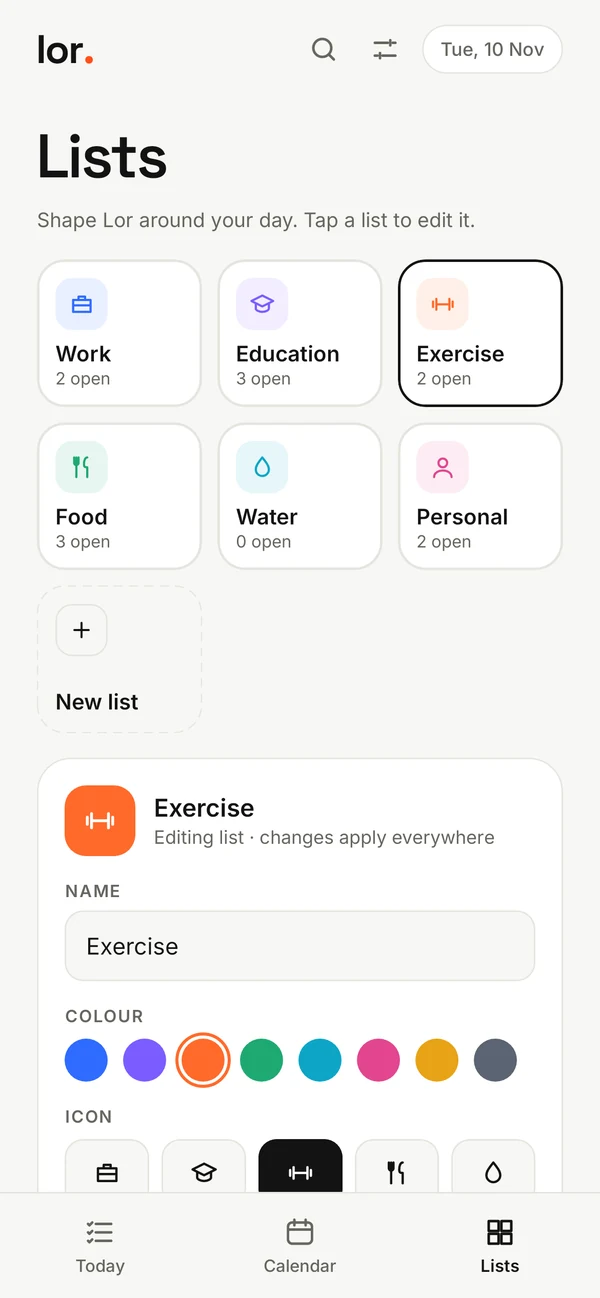
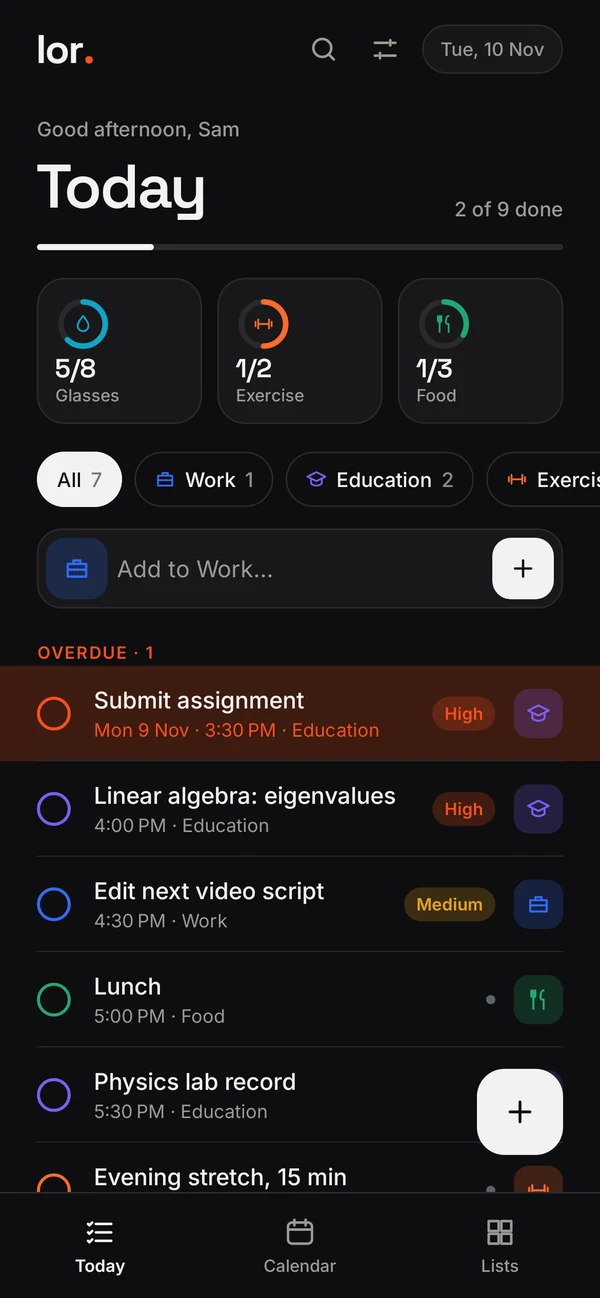
LOR is free and installs straight from GitHub as an APK file. It isn't on the Play Store, so Android will ask you to allow the install once.
lor.apk from the download notification or your Downloads folder.Yes. LOR doesn't request the internet permission, so Android won't let it connect to anything. There's no account, no sync and no analytics. Your tasks live in a database on your phone and are excluded from cloud backup.
LOR is a free, open-source project distributed directly from GitHub. The source is public, so anyone can check what it does or build it themselves.
Some phones, especially Xiaomi, Oppo, Vivo and Realme, stop background alarms to save battery. Turn off battery optimisation for LOR in your system settings. LOR shows a tip for this, and its Settings page warns you if notifications, exact alarms or full-screen alarms are switched off.
In Settings, choose Export to a file and save the JSON file somewhere you can reach, then use Restore from a file on the new phone. Nothing is uploaded anywhere along the way.
Android 8.0 (Oreo) and newer.
Completely. No ads, no in-app purchases, no premium tier. It's licensed under the GNU GPL-3.0.